

So this is going to be a story about website building. Well, there’s a reason I used the slug “Stories” to cover all kinds of stories, cooking or not cooking related 🙂
I faced a dilemma before I built the website. Do I hire someone to do it, or do it myself?
After consulting a lot of people, my options boiled down to two
1) Engage my web host to do it. Since I’d already signed a hosting solution with Exabytes, the natural move was to ask them if they had web design services. They did: a RM2K+ package to design five pages bundled with a one-year maintenance.
2) Enrol in a workshop and learn how to do it from a proper professional. A two day class costing slightly over RM1K.
Neither was really expensive, but neither was really attractive either. I wasn’t sure if the class would be overkill/underkill. The other thing bugging me was the voice in my head saying, “Come on Alex, you’ve been building websites using free templates for years. When are you going to move to the next level?”
So I took on the challenge to do it myself.
Luddites would probably take a look and go, eh very simple what, your website. How difficult can it be to create one?
TRUST ME. Building a WordPress website is HARD especially if you are a non-techie like me.
After 2-3 days of wrestling with it, I was almost crying, ready to give up. I felt like I was running blindly in a confusing maze.
But somehow, some inner voice told me to go on. I prayed for deliverance and finally at nearly midnight two days ago, I had a breakthrough. I managed to get it up and running, even though the post links were not going to the correct place after you click on them. Never mind. At least it LOOKED like a website.
Hugely encouraged, I continued going. I knew I couldn’t do it alone anymore, and I did not want to leech on the kindness of techie friends who do this for a living.
So for the first time in my life, I logged trouble tickets to technical support. Both Exabytes and my theme provider were professional, polite, patient … and succeeded in solving my problems!!! OMG! I’m sure I’ll be bugging them again as I continue on this website-building journey but for now, I’m over the MOON that I’ve got a working website where every link redirects properly and where I’ve managed to install nice bells and whistles such as that cute little logo by my long-time collaborator Atika.
Woo hoo! This also means that I’ve been spending nearly day and night tinkering with my website. But every second and every iota of effort expended is worth it.
Thank you so much to Tom of Tommus Rhodus, the tech support guys at Exabytes, Atika Zamimi, and most of my all my husband for your infinite patience with me.
Website building tips (To be updated from time to time)
1. URL rewriting
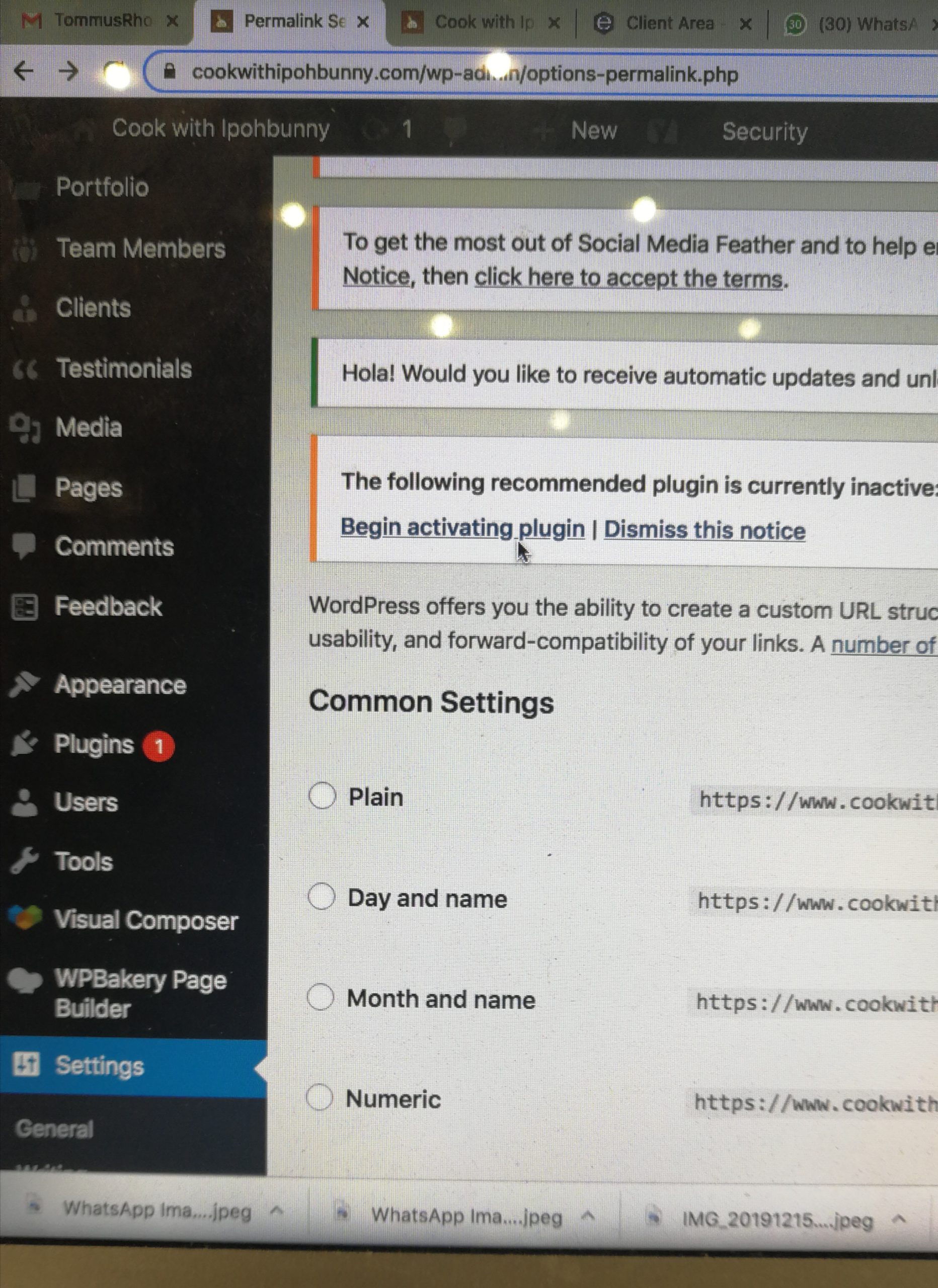
The default permalink for WordPress pages/posts is plain i.e. “www.cookwithipohbunny.com/?p-613” You can change this by going to Settings > Permalinks and picking one of the options to customise your URL structure. However, this doesn’t always work. In my case, after I customized my permalinks to incorporate the post names (e.g. www.cookwithipohbunny.com/baked-mustard-chicken), the url kept redirecting to the homepage instead of the post url. Get your webhost to solve this for you.
2. Fields disappearing
Some of the fields inexplicably disappeared from Appearance > Customise. If that happens to you, head to “Appearance > Themes”, switch away from Lydia, activate another theme, then go back to Lydia and activate it again. This will re-initialise the theme and should bring the options up correctly.

Alexandra Wong is a Malaysian food writer, recipe developer and the author behind Cook With Ipohbunny. She shares practical family recipes, restaurant recreations and home-cooking tips inspired by Malaysian Chinese cuisine.
Hello Ipoh Bunny!
Thanks for this. I am thinking of starting a website too. Actually this thought had been there long long long when i started contributing my stories & travel articles in the newspaper. Than I kinda started a Blog page (only page ya, nothing more). I don’t know where the Blog page is now.. need to sniff into cyber-world for this. I don’t mind engaging a web-developer for a simple website that can get me going with on-site tutorial. Physical teaching & learning is a must. You know what i mean… I am bad at tech!!!
Truly, Maid In Bangsar.
I agree, everyone needs some form of online personal branding these days. You really never know when something like COVID19 will hit again. I’m glad I got into blogging years ago. At least it gave me an inkling of how to run a website, although hosting your own is a far cry from blogger.com, haha! All the best in your online journey Vemanna and feel free to buzz me if you need any tips. I’m still budak baru merangkak but if I can help, I will. Cheers.
i start slow coz i procrastinate.. sure, i will buzz you if not now some other time. thanks! 🙂